 DocRoundup
DOCROUNDUP GUIDE
How recurring requests work
A repeat schedule prepares separate request drafts for future periods. Review each draft’s period, due date and checklist, then send it when ready.
Go to the steps ↓Set up a repeat schedule
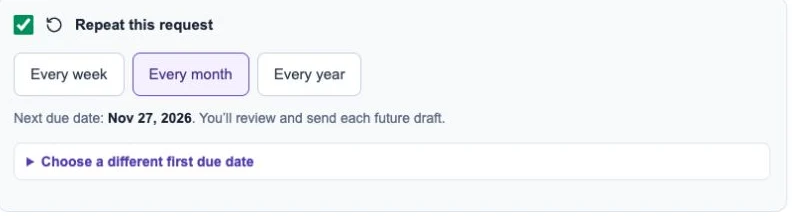
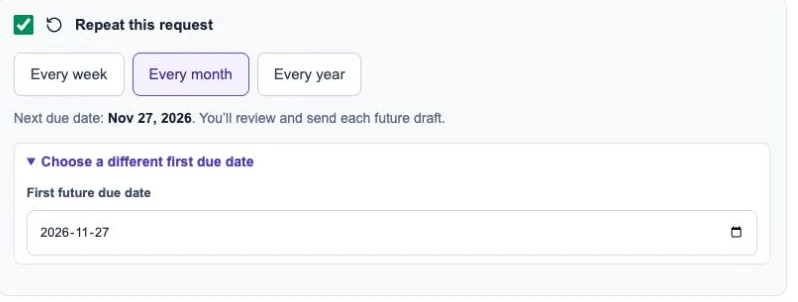
Start a new recurring request, choose the client and requirements, then choose a weekly, monthly or yearly repeat pattern and the next due date. The Recurring page lists your schedules and their next dates.
Review the next draft
Each occurrence becomes a separate request. Open the draft, check the period, due date and checklist, and send it when ready. A schedule does not remove the review step.
Create a draft when needed
Use Create next draft on the Recurring page. When an automatic scheduler is configured, due drafts can also be created in the background. The page tells you whether that automation is available.
Pause and resume
Pause a schedule when the client no longer needs regular requests. Resume it when ready and check its next date. Pausing does not cancel requests already created.